Quick answer
Should I update my website via Telegram, a CMS login, or a freelancer?
Choose by rhythm, skill, and risk: use a CMS if you (or a teammate) will log in regularly; hire a freelancer for rare one-off edits when you accept queue delays; use Telegram updates (like SitePilot) when you want to manage the site from your phone with review before publish. Match the method to how often you change content — not to what sounds modern.
- CMS after handover
- Often unused
- Passwords sit unused once day-to-day work takes over
- Freelancer small fix
- Hours–days
- Depends on their queue, not your urgency
- How requests start
- Phone-first
- Most Indian SMB updates begin as a chat message
- Safe publish pattern
- Review first
- Human check before anything goes live
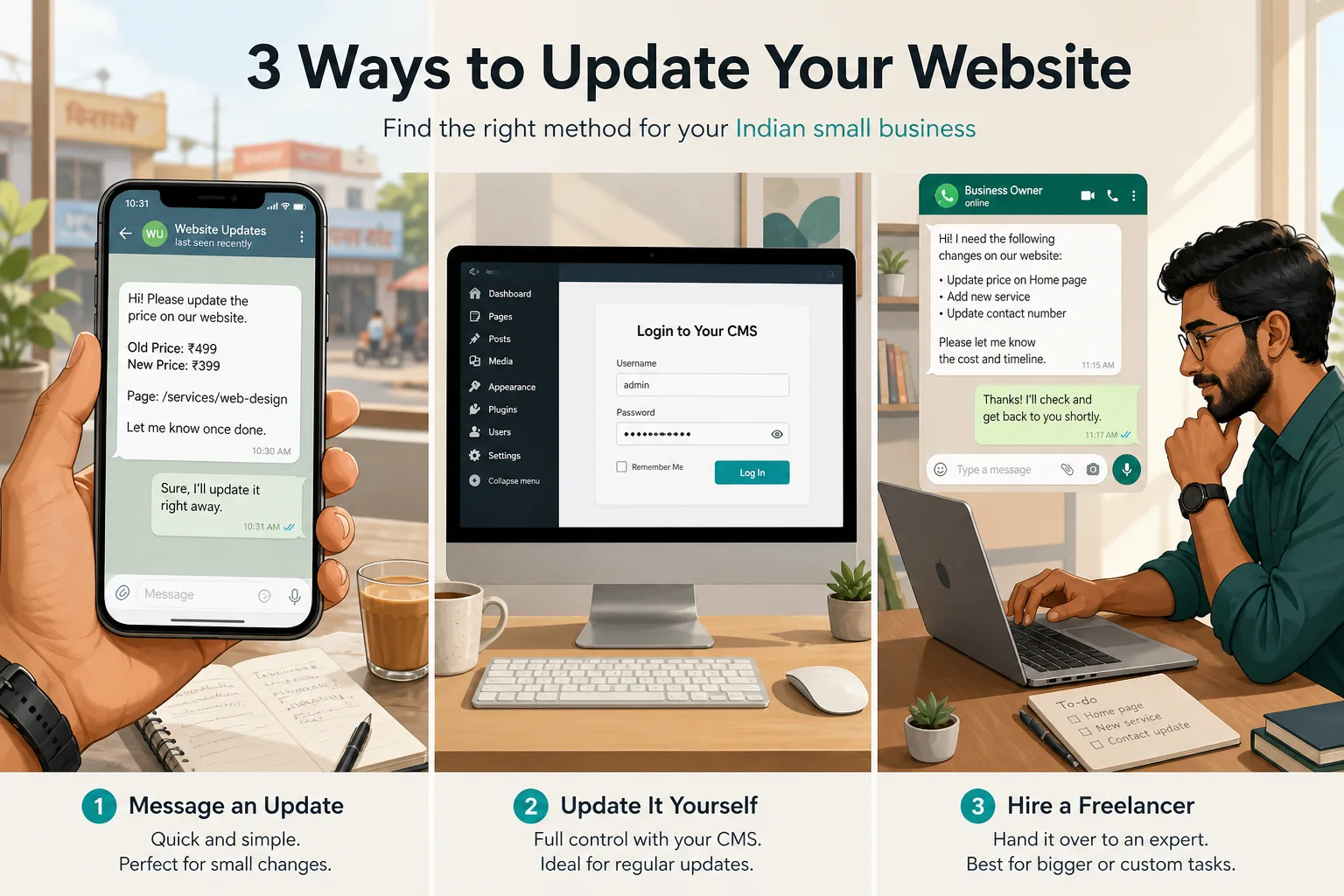
Three paths show up in almost every Indian small-business conversation about website updates: log into the CMS yourself, WhatsApp a freelancer, or send a Telegram message and let a reviewed workflow publish. This post compares those three — not every maintenance model. For a wider overview (including agency retainers), see how to update your website without a developer.
Key takeaways
- CMS wins when someone on your team will actually use the admin every week
- Freelancers win for rare edits if you can wait and brief clearly
- Telegram updates win when you live on your phone and want review before publish
- Mixing methods is fine — e.g. CMS for blog drafts, Telegram for price/photo fixes
- None of these replace a proper build for new features or redesigns
The three ways Indian businesses actually update sites#
Theory says everyone uses a CMS. Practice says most owners open WhatsApp. The gap between those two is where websites go stale — festival offers late, wrong phone numbers, outdated prices.
- CMS login — you edit and publish (or schedule) inside an admin panel
- Freelancer — you brief someone who has access; they ship when free
- Telegram updates — you message a change; it is prepared, reviewed, then goes live
All three can work. The wrong one feels like “we have a website but we can’t move it.”
CMS login — full control, full friction#
If your site shipped with a CMS (WordPress, Shopify, a headless admin, etc.), you can change pages yourself. Good website design handovers include training for exactly this.
Strengths: fastest when you know the tools; unlimited small edits; no waiting on someone else’s queue.
Weak spots: login friction, plugin sprawl, fear of breaking layout, and the classic “password in a notebook” problem. Control without habit is just unused software.
Hiring a freelancer — flexible, queue-bound#
You message the person who built the site (or a trusted freelancer). They update when free. Familiar channel, no monthly commitment, no CMS learning curve.
- Pros: pay per task, flexible scope, someone else handles the technical bits
- Cons: turnaround depends on their other clients; context dies in chat threads
- Risk: they go offline during Diwali or wedding season — when you need updates most
Freelancer tickets are a real option for rare changes. They are a poor primary system for weekly price, photo, and copy edits.
Telegram updates — message, review, live#
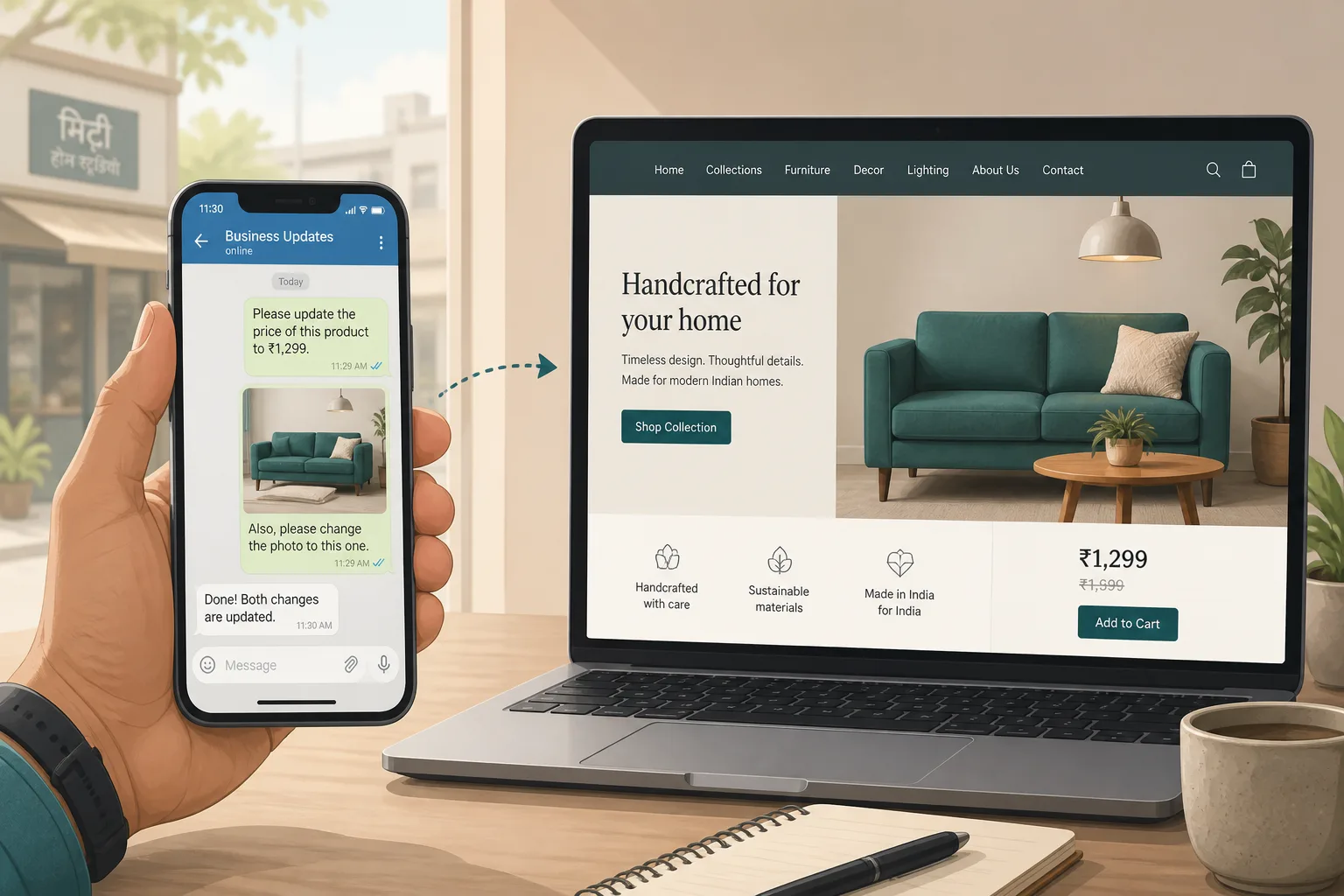
Built for owners who want to manage the website from their phone without a CMS habit. You send a clear Telegram message. The change is prepared, reviewed before publish, then goes live. For SitePilot, completed changes are tracked in GitHub so history stays organised.
Aucio SitePilot AI is our concrete version of that path for compatible sites: Telegram in, human review, then publish — aimed at routine website maintenance, not new features.
- No day-to-day website login for covered content updates
- No coding knowledge required
- Every change reviewed before it goes live
- Flat monthly plan after a free compatibility check (price confirmed after review)
Which option wins for common scenarios#
- If you publish blog posts or landing variants every week and enjoy the admin → choose CMS login.
- If you change the site twice a year and can wait a few days → hire a freelancer.
- If you run the business from WhatsApp/Telegram and need routine price/photo/copy moves with review → choose Telegram updates (SitePilot if the stack is compatible).
- If you need a new checkout flow or redesign → none of the three; book a build.
- If you already use a CMS for blogs but hate logging in for tiny fixes → mix: CMS for long-form, Telegram for micro-updates.
Side-by-side comparison#
| Factor | CMS login | Freelancer | Telegram (SitePilot) |
|---|---|---|---|
| Speed | Instant if you know the admin | Hours to days (queue) | Message → review → live |
| Skill needed | CMS comfort + care | Clear briefs | Send a clear message |
| Consistency | High if used weekly | Variable by person | Same channel every time |
| Publish safety | You can break layout | Depends on freelancer | Reviewed before publish |
| Cost shape | Your time | Per task / ad hoc | Flat monthly after check |
| Best for | Hands-on marketers | Rare one-off edits | Phone-first routine updates |
| Weak spot | Abandoned logins | Unavailable in peak season | Not for new features |
Prefer updates by Telegram?
Share your URL for a free SitePilot compatibility check. We’ll confirm what routine changes we can take — and what still needs a project.
Update by Telegram with SitePilotFAQ#
Can I mix CMS, freelancers, and Telegram updates?
Are Telegram website updates safe?
When does CMS login clearly beat Telegram?
When should I just hire a freelancer?
What won’t SitePilot do?
How do I start with SitePilot?
The bottom line#
CMS login, freelancers, and Telegram updates are three different operating systems for the same job. Pick the one that matches how you already work — not the one that sounded good at project kickoff.
If your bottleneck is phone-first routine changes stuck in queues, start with a free compatibility check for SitePilot. If you need a new site or redesign, talk about a website build.
Update by Telegram with SitePilot
Free compatibility check for Indian small businesses. Every update is reviewed before it goes live — plan price confirmed after review.
Update by Telegram with SitePilot