Yes. We create a separate bot for your business and connect it to your website.
Send a Telegram message to update your website
SitePilot AI · Update by Telegram
SendaTelegrammessagetoupdateyourwebsite
SendoneTelegrammessage.Wereviewit.Itgoeslive.
Ready when you are.
No website login. No technical knowledge. No waiting for a developer.
Get My Website BotWe'll check your website and help you get started.
Website updates through Telegram
No website login. No technical knowledge. No waiting for a developer.
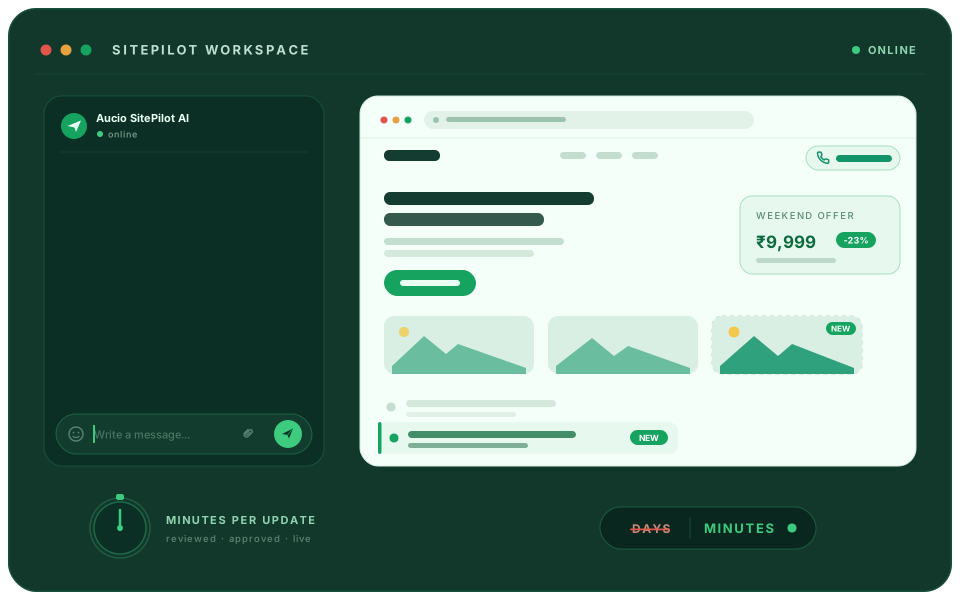
Message → review → live
02
Reviewed first
Nothing publishes without approval
SitePilotSitePilot AI
The two-minute edit problem
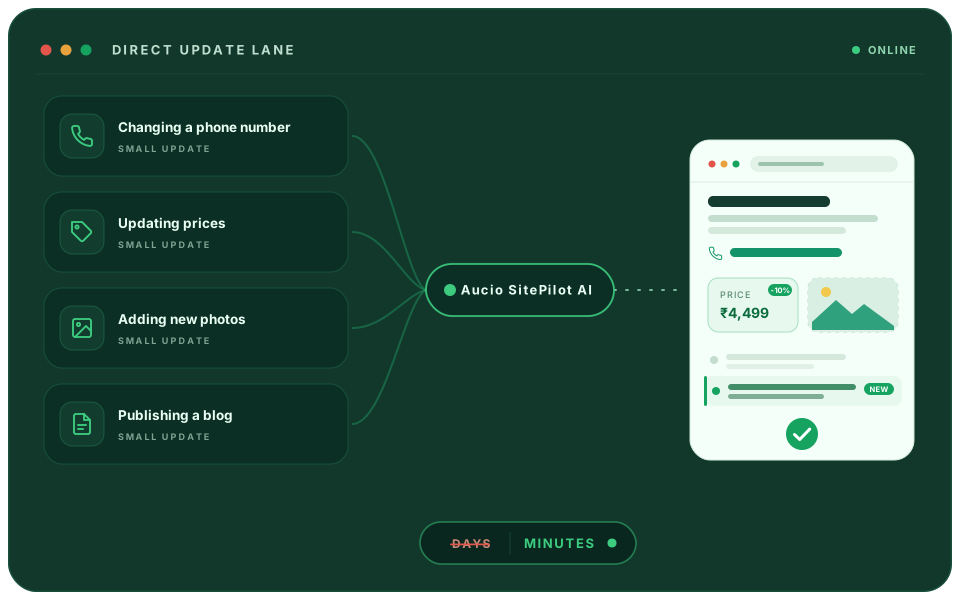
Small website changes shouldn't become big projects.
- Changing a phone number.
- Updating prices.
- Adding new photos.
- Publishing a blog.
These should take minutes—not days waiting on a developer.
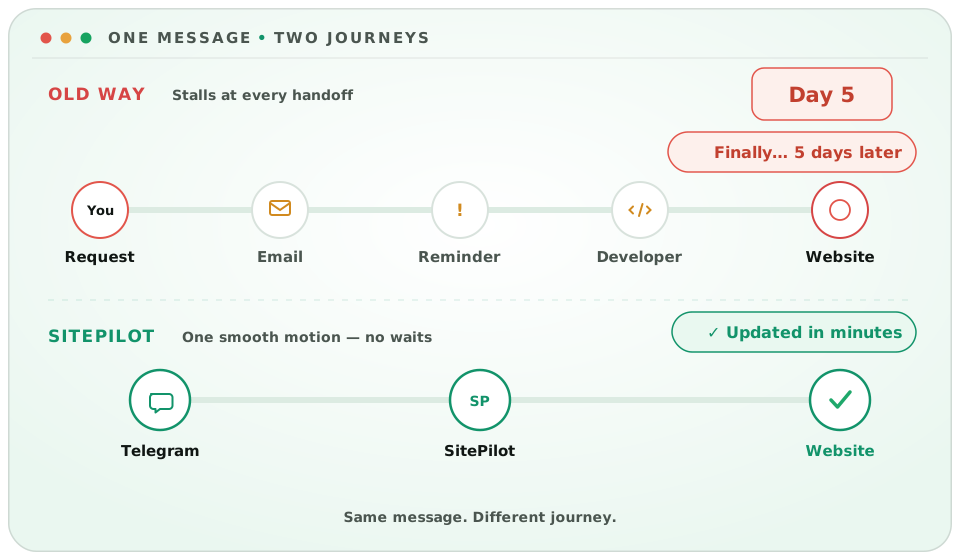
Old process versus SitePilot
Why Website Updates Take Days Instead of Minutes
First, explain the change.
Then send the photo.
Then follow up.
Then wait for the developer.
By the time it’s live, the moment may already be gone. With SitePilot, send the complete request in one Telegram message.
The dependency problem
Update Your Website Without Depending on One Person
Maybe the developer hasn’t replied.
Maybe the employee who knew the login has left.
Maybe nobody remembers how the website works.
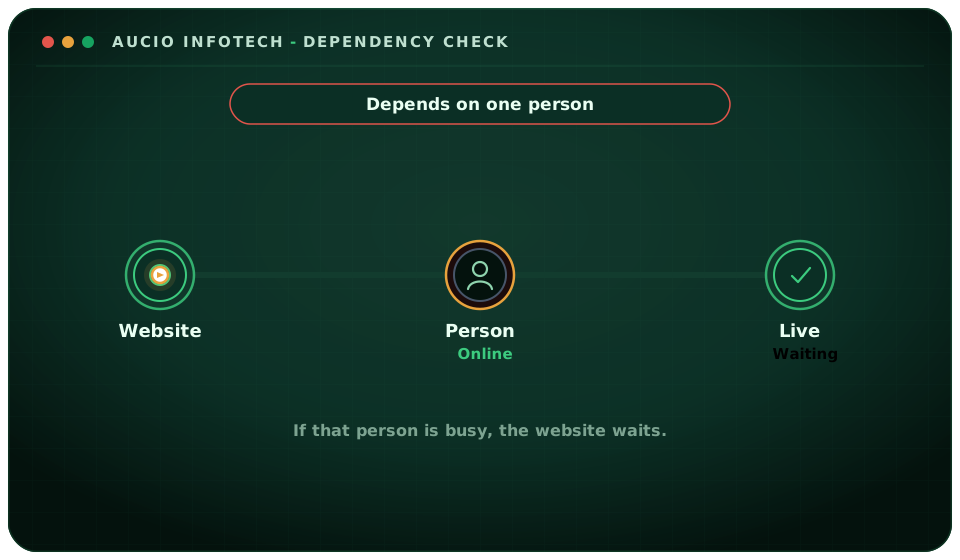

Your update process shouldn’t depend on one person. Your private SitePilot bot keeps everything in one simple conversation.
Problem to solution
Sound Familiar?
Live resolve
Forgot login
Open Telegram
Your problemWith SitePilot
“I don't remember the website login.”
Open Telegram on your phone
“I don't know where to make the change.”
Tell your bot what you need
“I don't know how to write it properly.”
Send a rough message
“My developer hasn't replied.”
AI handles routine website maintenance
“I'm worried I'll break something.”
Every change is recorded in GitHub
“I don't have time for this.”
Update from your phone
Control Without Technical Work
Stay in Control of Every Update Without Technical Work
Simple for you. Organised behind the scenes.
You
Send a message or instruction
SitePilot
Make the change
SitePilot
Push the code to GitHub
SitePilot
Send confirmation to you
How SitePilot Works: Answers Before You Start
Clear answers for Indian small businesses about Telegram updates, pricing, publishing, and scope.
No. You only send a simple message — no coding or developer needed.
SitePilot works with compatible websites. We check your website before setting everything up.
SitePilot handles routine website maintenance and content updates. New features, integrations, and redesigns are planned separately.
Each completed change is saved in GitHub, so your website has an organised update history.
Share your website URL. We’ll check compatibility and walk you through the flat monthly plan.
Start with a compatibility review
Keep your website current without running a CMS.
Message us on WhatsApp with your website URL. We will confirm whether SitePilot fits your current setup.
Message on WhatsApp
Free compatibility check • Reply within 4 business hours
You see the plan price with your compatibility result — no payment before you approve.
What happens next
- 1We review your website for SitePilot compatibility.
- 2We reply on WhatsApp within 4 business hours with your result and plan price.
- 3You approve before any payment or onboarding.